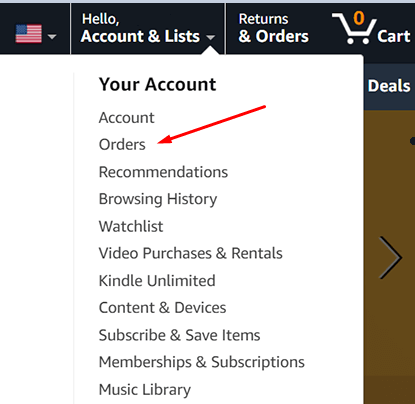
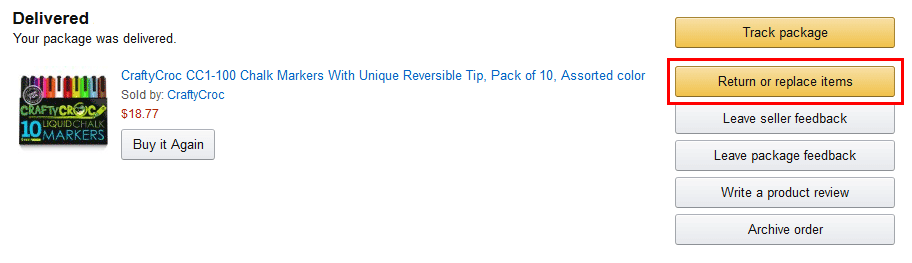
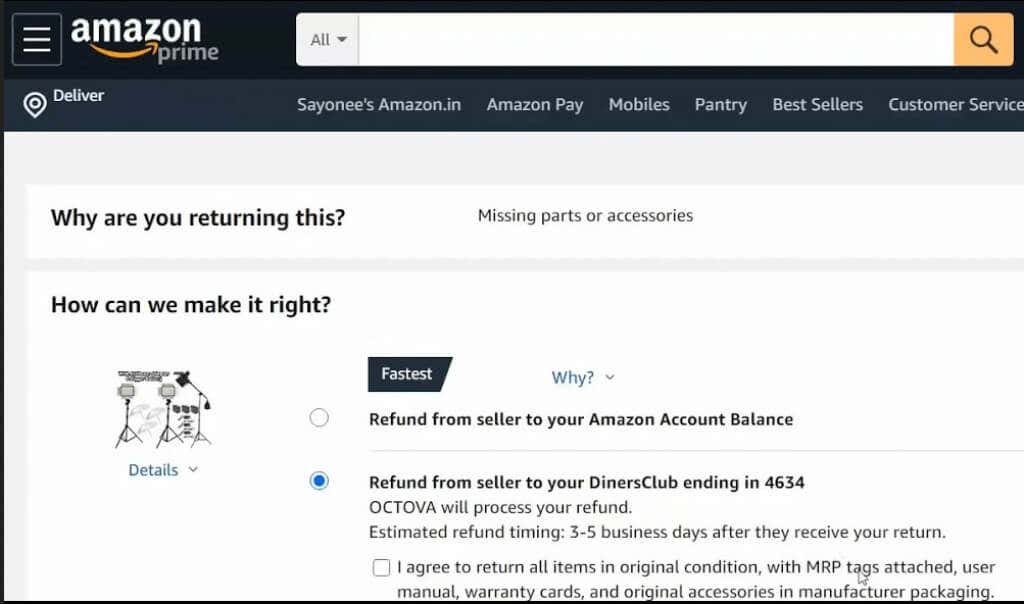
- Find the order you want to return and select Return or replace Item. You can find this option right next to the selected order.
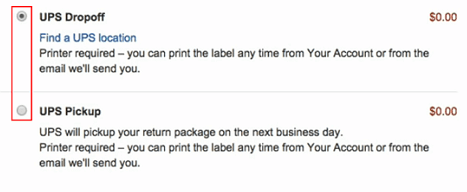
- Find the return method section and choose the UPS Drop-off or UPS Pickup options.
- Press Submit to complete the return. Once you submit the return, you can see the Print and Label Instructions. This step is optional; you should click on that button only if you want to print the shipping label yourself. It’ll take you to a new page from which you can print the label directly. If you can’t print the shipping label, UPS will do it for free.
Choosing the UPS Drop-off Method
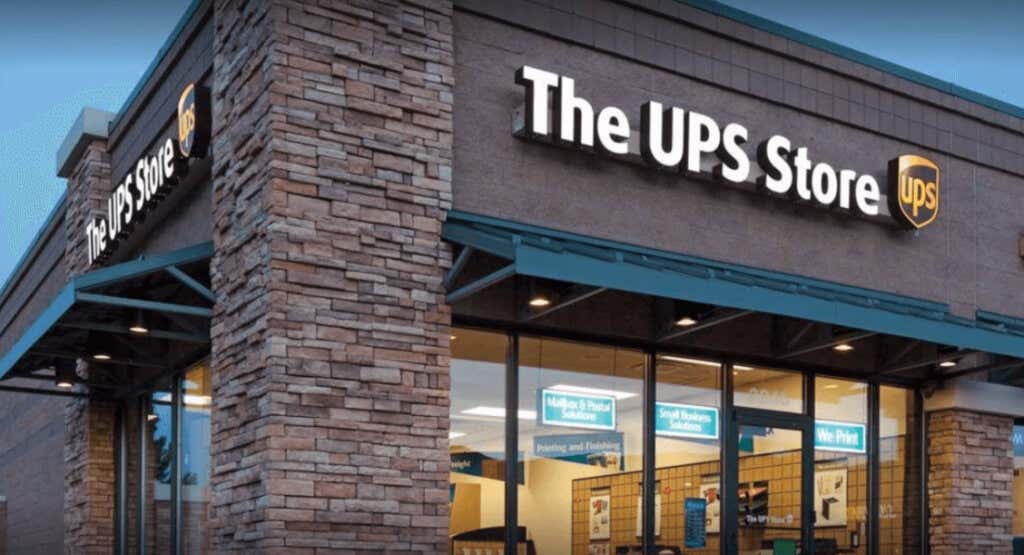
If you take your package to the nearest UPS store, you only have to take the item to them. You don’t need to pack it or print the label. UPS can do that for you. But if you want to save time, you can pack it in the box you received, print the label, and attach it to the box.
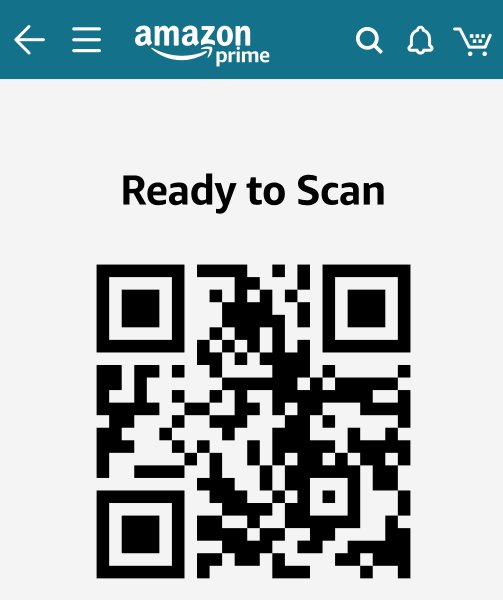
Check your email before you go to the UPS store to return the package. UPS will send you a return shipping code to show to their employee when you arrive at their store.
Choosing the UPS Pickup Method
You will see other options besides UPS when you choose your shipping method. They are all great alternatives if you don’t have a UPS store near you.
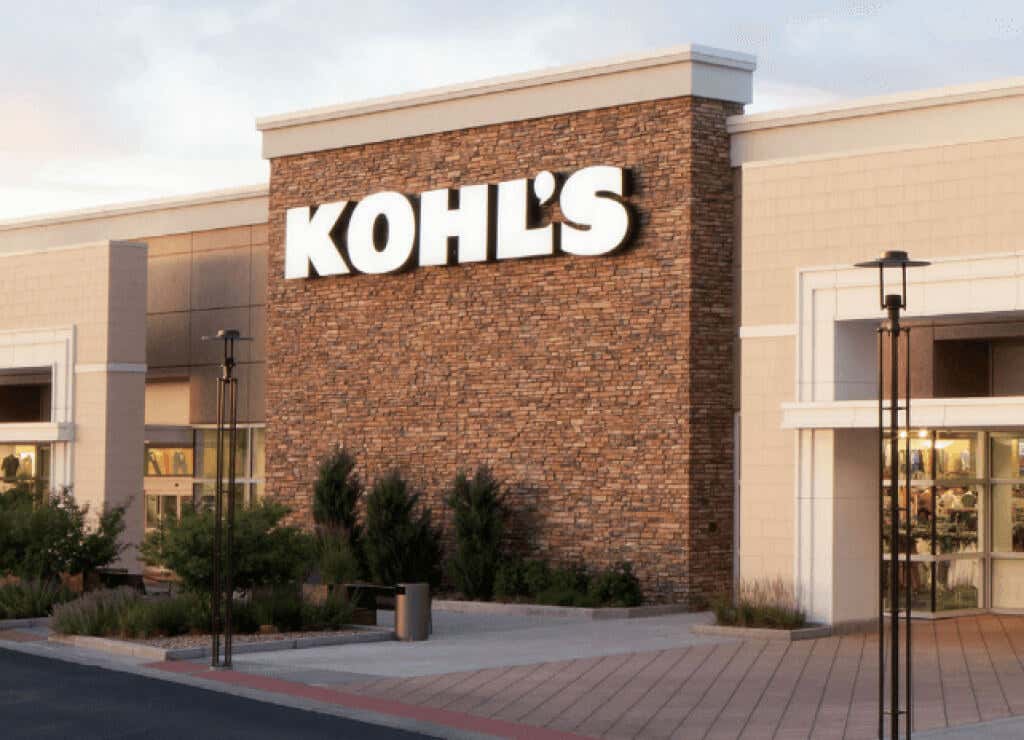
Return the Package to Kohl’s