Pair Included Fire TV Remote
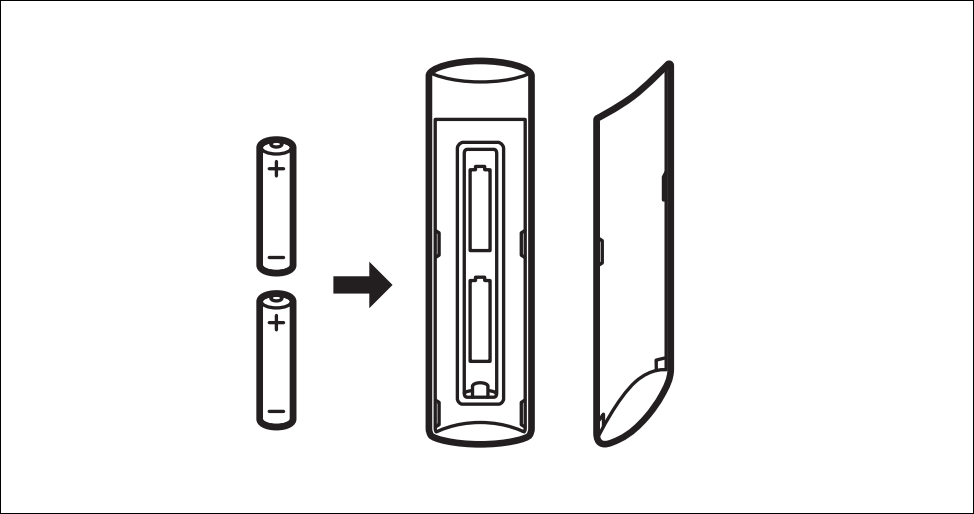
New Fire TV devices ship with an Alexa Voice Remote out-of-the-box. Open the back of the remote and insert two AAA batteries. That’ll power up your Alexa Voice Remote and automatically pair it with your Fire TV streaming.
Pair an Additional or Replacement Remote
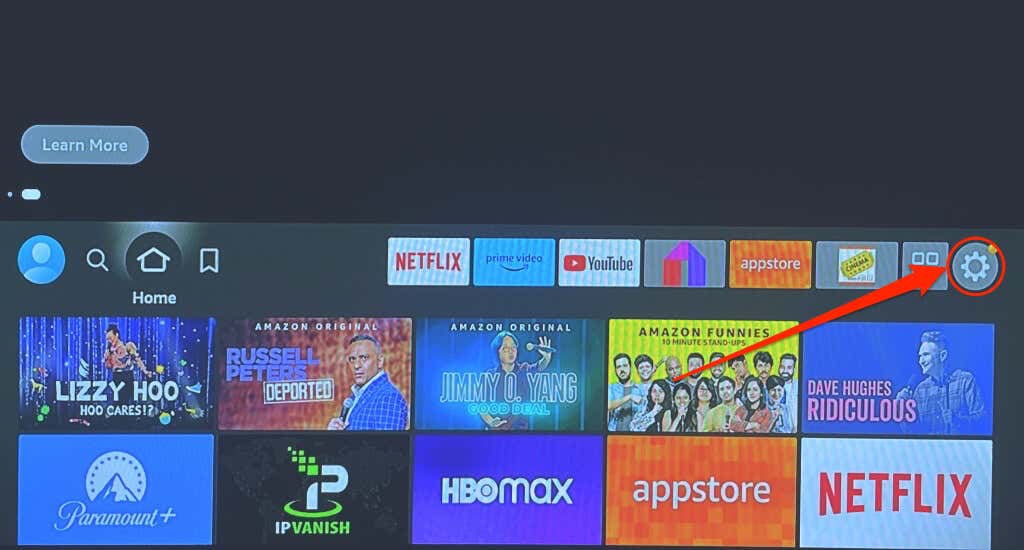
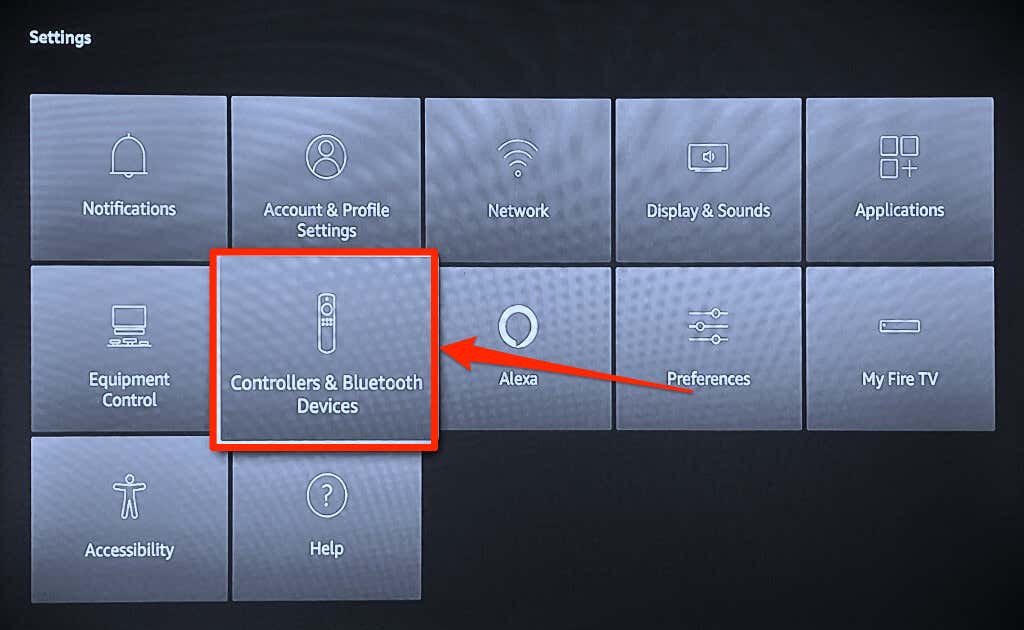
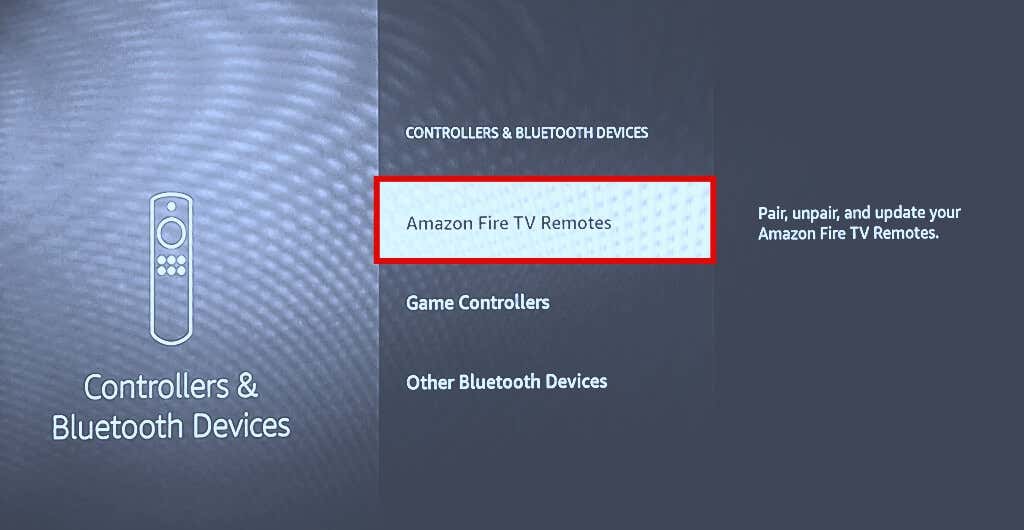
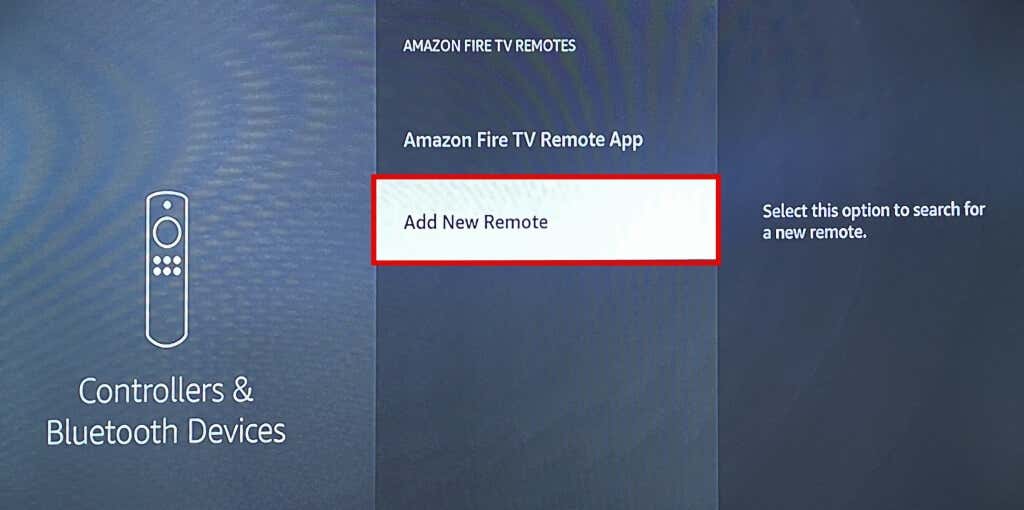
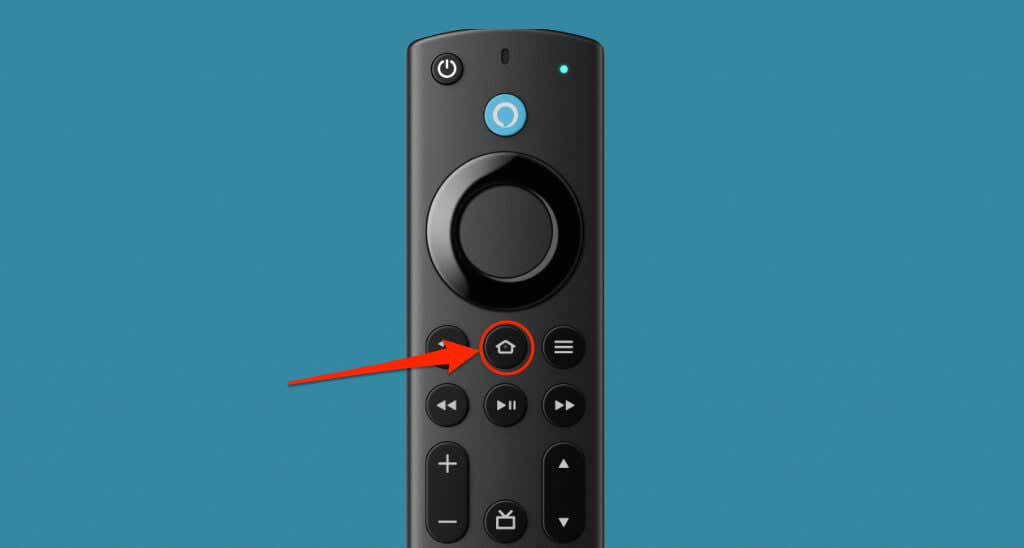
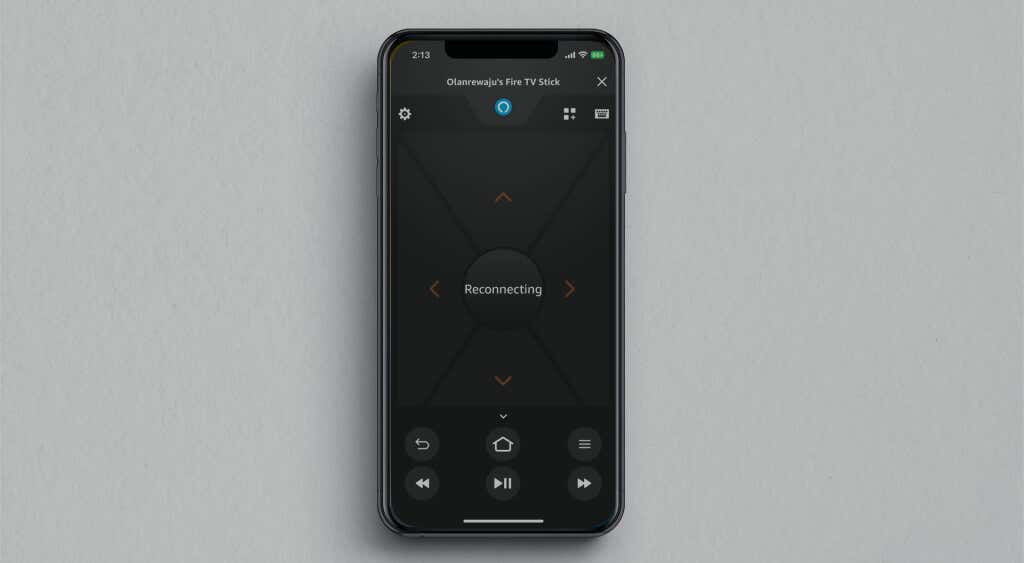
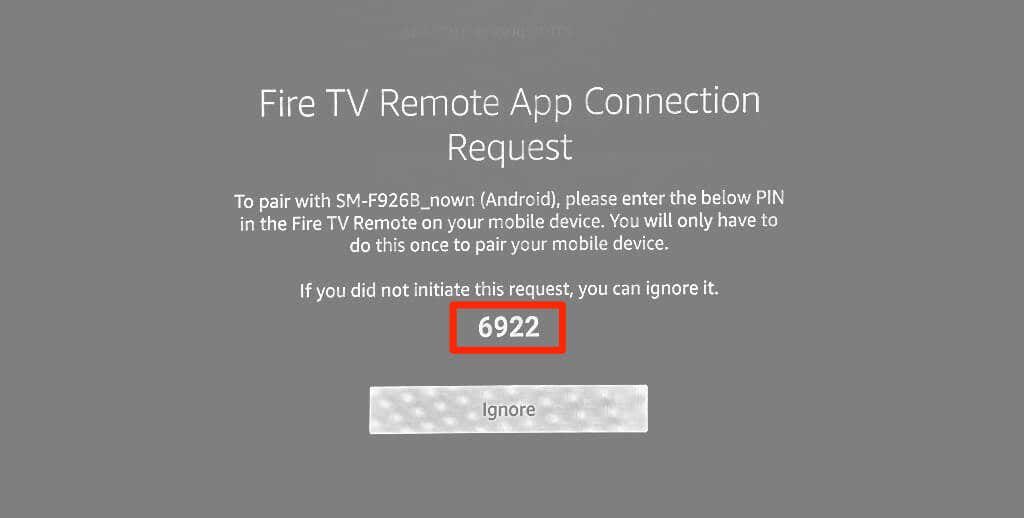
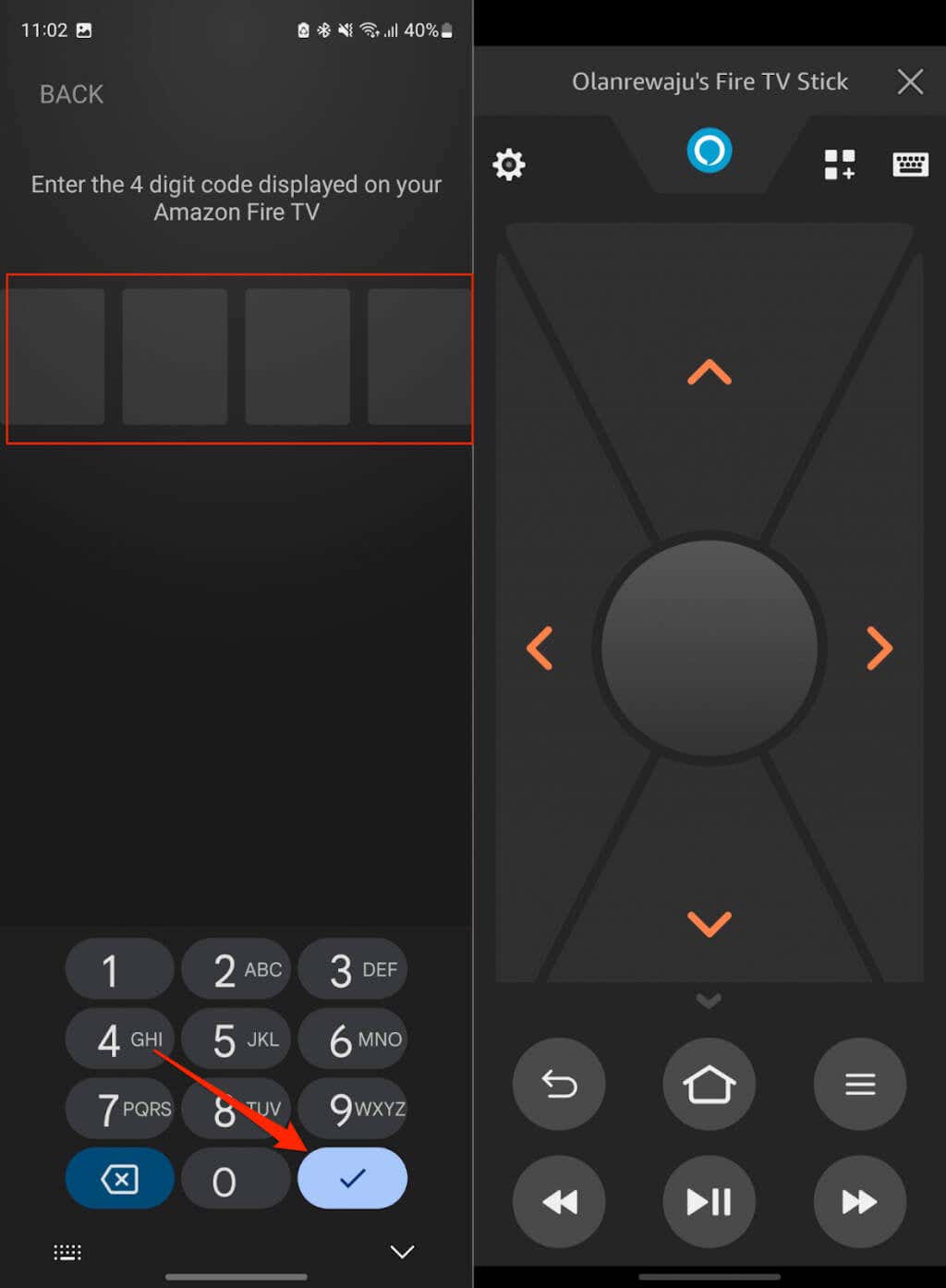
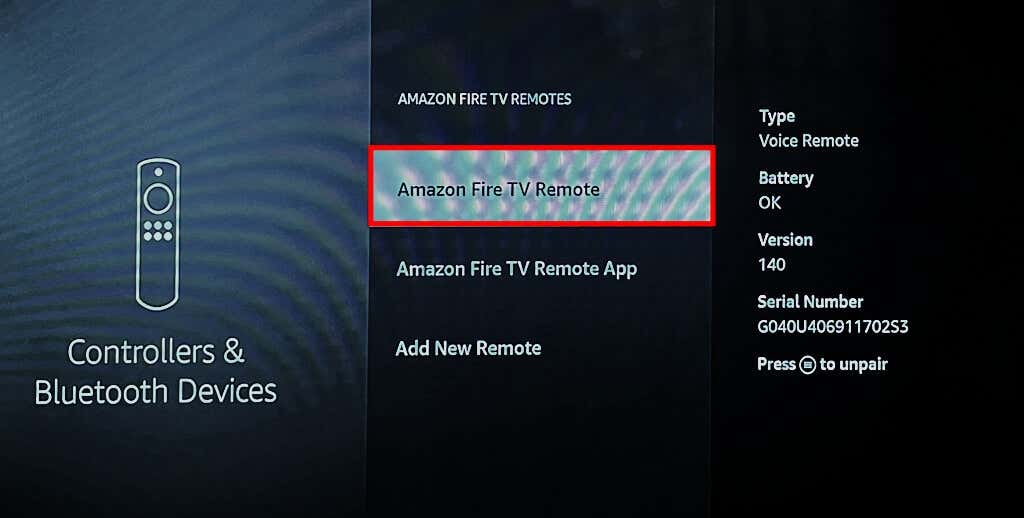
Your Fire TV device automatically connects to the Alexa Voice Remote that ships with the streaming device. To pair an extra or replacement remote, you must first put it in pairing mode and then connect it through the fireOS settings menu. Depending on the model of your Fire TV, the remote might blink a blue light when the remote pairs successfully. Install the Fire TV app from the App Store (for iPhone) or Google Play Store (for Android) and follow the steps below. A “Fire TV Remote App Connection Request” screen should appear on your TV. If the code checks out, the Fire TV app displays on-screen navigation and other controls available on physical Fire TV remotes. If the app doesn’t automatically detect your Fire TV device, reboot your router and restart the pairing process. Reboot your Fire TV and smartphone if the issue persists. Connect both devices to the same Wi-Fi network and try again.
Unpair Fire TV Remote
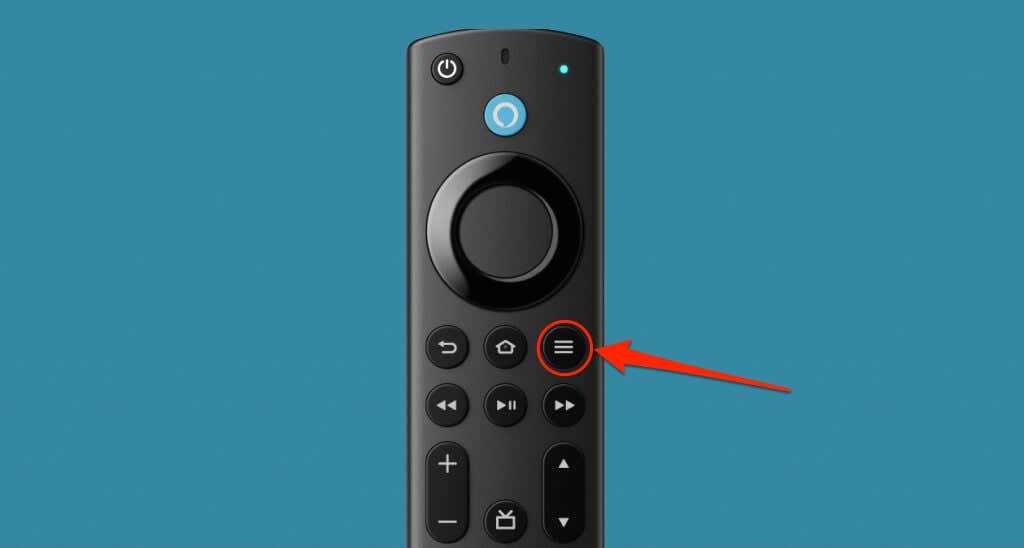
If seven Fire TV Remotes are linked to your device, you must remove one to pair a new remote. Note: You cannot remove or unpair a Fire TV Remote that’s in use.
Fix Remote Pairing Issues
Power cycle your Fire TV device if the remote doesn’t automatically connect when you set it up for the first time. Unplug the Fire TV from its power source, wait a few seconds, and plug it back in. Reinserting the remote’s batteries can also resolve pairing or connection issues. Use the AAA batteries included in the box and ensure you align the battery polarities—negative (-) and positive (+) end—according to the inscriptions in the battery compartment. Your remote may fail to pair to your Fire TV if its batteries are low. Replace your Fire TV Remote batteries if the LED indicator slowly blinks a red light. Reset your Fire TV Remoteif it still won’t pair to the streaming device.